
ArkWarden
Photos, videos, audio and documents encrypted on your iPhone with AES-256. The pattern you draw unlocks the vault, with the Secure Enclave. No sign-up, no server, nothing leaves the device.

About ArkWarden
ArkWarden is an encrypted vault for iPhone. It holds photos, videos, audio and documents, and encrypts each one on the device so they stay unreadable without your pattern.
Real encryption. Every file is encrypted individually with AES-256-GCM through Apple's CryptoKit.
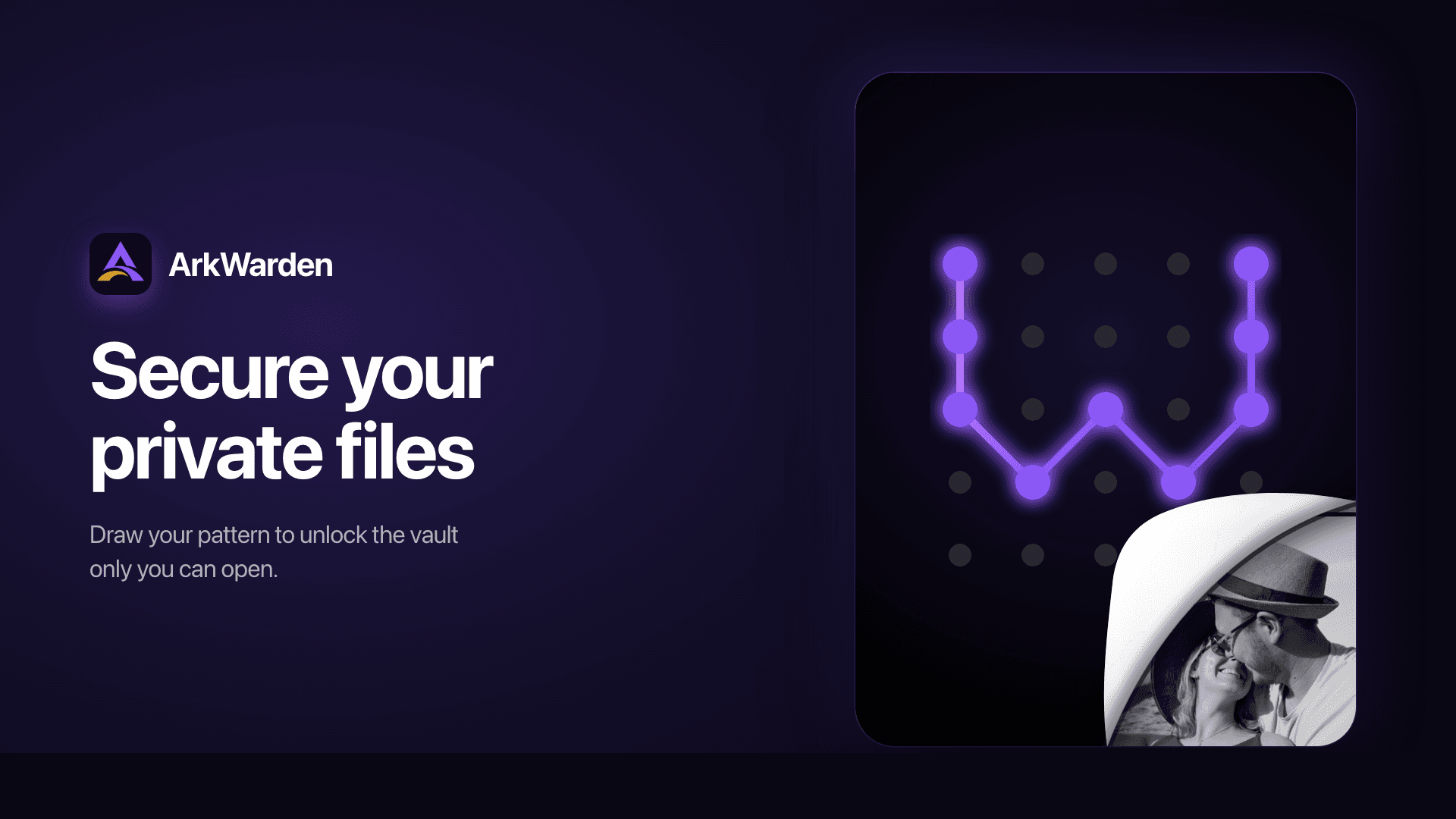
Pattern unlock. Draw a pattern instead of typing a password. It is tied to your iPhone's Secure Enclave, so a copied vault cannot be opened on another device.
Two-factor authentication. Add Face ID, a 6-digit PIN, or a YubiKey over NFC.
Wing. A second pattern opens a separate vault with its own files and appearance.
Recovery phrase. 12 or 24 words, shown once, held only by you.
On-device privacy. No account. No server. No cloud sync. No file analytics.
Backup and restore. Optional, off by default, encrypted before it leaves your phone.
It is built for people who keep private files on their phone and want peace of mind when handing it to someone else. Comparison: https://arkwarden.app/guides/best-photo-vault-apps-iphone
Highlights
- Encrypts photos, videos, audio and documents on your iPhone with AES-256-GCM
- Pattern unlock tied to your iPhone's Secure Enclave so vaults cannot be opened on other devices
- No account, no server, no cloud sync, no personal data collected
- Optional encrypted backup that is off by default
- Two-factor authentication options include Face ID, 6-digit PIN, or YubiKey over NFC
- Wing feature creates a second vault with separate files and appearance
Who it's for
- People who keep private files on their phone and want protection when handing it to someone else
- Users seeking file encryption separate from device unlock
- Those who prefer local encryption without cloud storage or accounts
FAQ
- What encryption does ArkWarden use?
- Each file is encrypted individually with AES-256-GCM through Apple's CryptoKit.
- Do I need an account or internet connection?
- No. There is no account, no server, no cloud sync, and no personal data is collected.
- How do I unlock my vault?
- You draw a pattern to unlock. The pattern is tied to your iPhone's Secure Enclave so a copied vault cannot be opened on another device.
- Can I add extra security beyond the pattern?
- Yes. You can add two-factor authentication using Face ID, a 6-digit PIN, or a YubiKey over NFC.
- Can I back up my files?
- Backup and restore is available but optional and off by default. Backups are encrypted before leaving your phone.
At a glance
Sep 2026
Listed since
Category
New tools every Monday
The week's new listings and the most viewed tools, in one email — read the latest. No spam, unsubscribe anytime.


