


Blackout
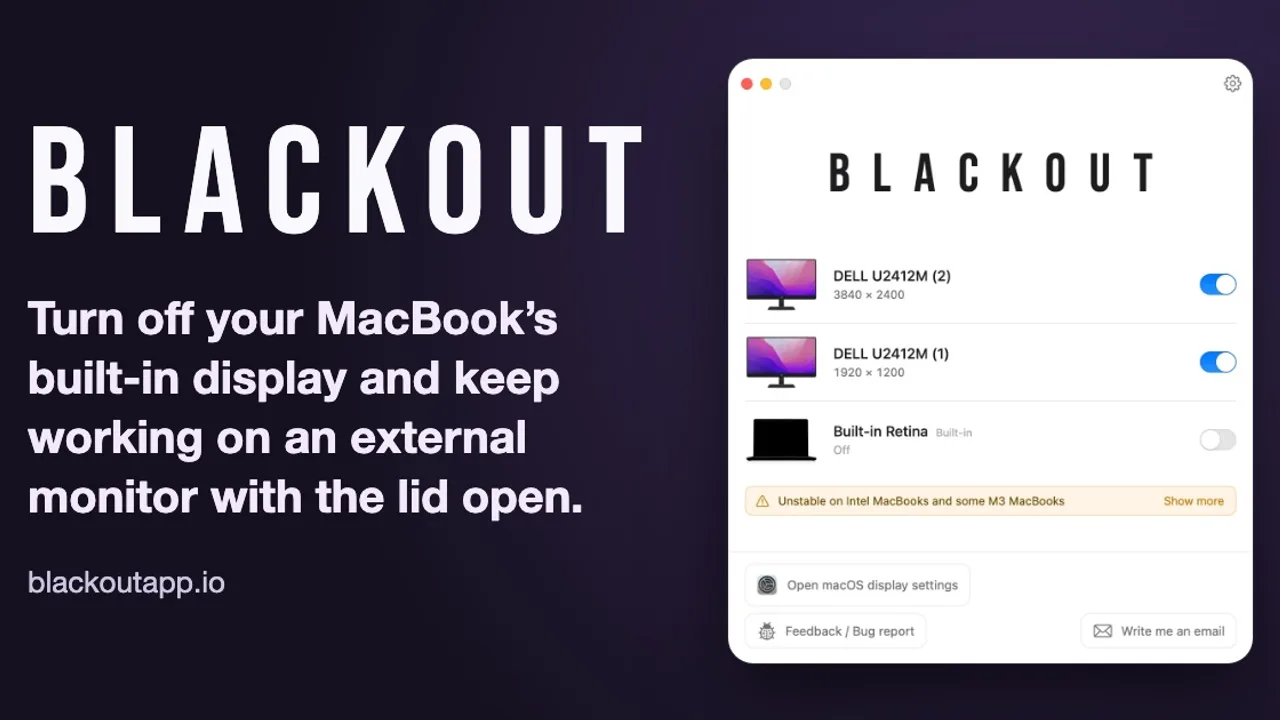
Turn off your MacBook's built-in display and keep working on an external monitor with the lid open.
ProductivityListed Nov 2026

About Blackout
Blackout is a small macOS menu bar app that really turns off your MacBook's built-in display while you work on an external monitor. Unlike clamshell mode, the lid stays open, so you keep the keyboard, trackpad, camera and Touch ID.
The change is software-only and never permanent: if the app quits, the Mac restarts or you unplug the monitor, the built-in display comes back on right away. It also keeps a MacBook with a cracked or flickering screen usable.
Free 7-day trial, then a one-time $9 for all your Macs. No subscription.
At a glance
New tools every Monday
The week's new listings and the most viewed tools, in one email: read the latest. No spam, unsubscribe anytime.


